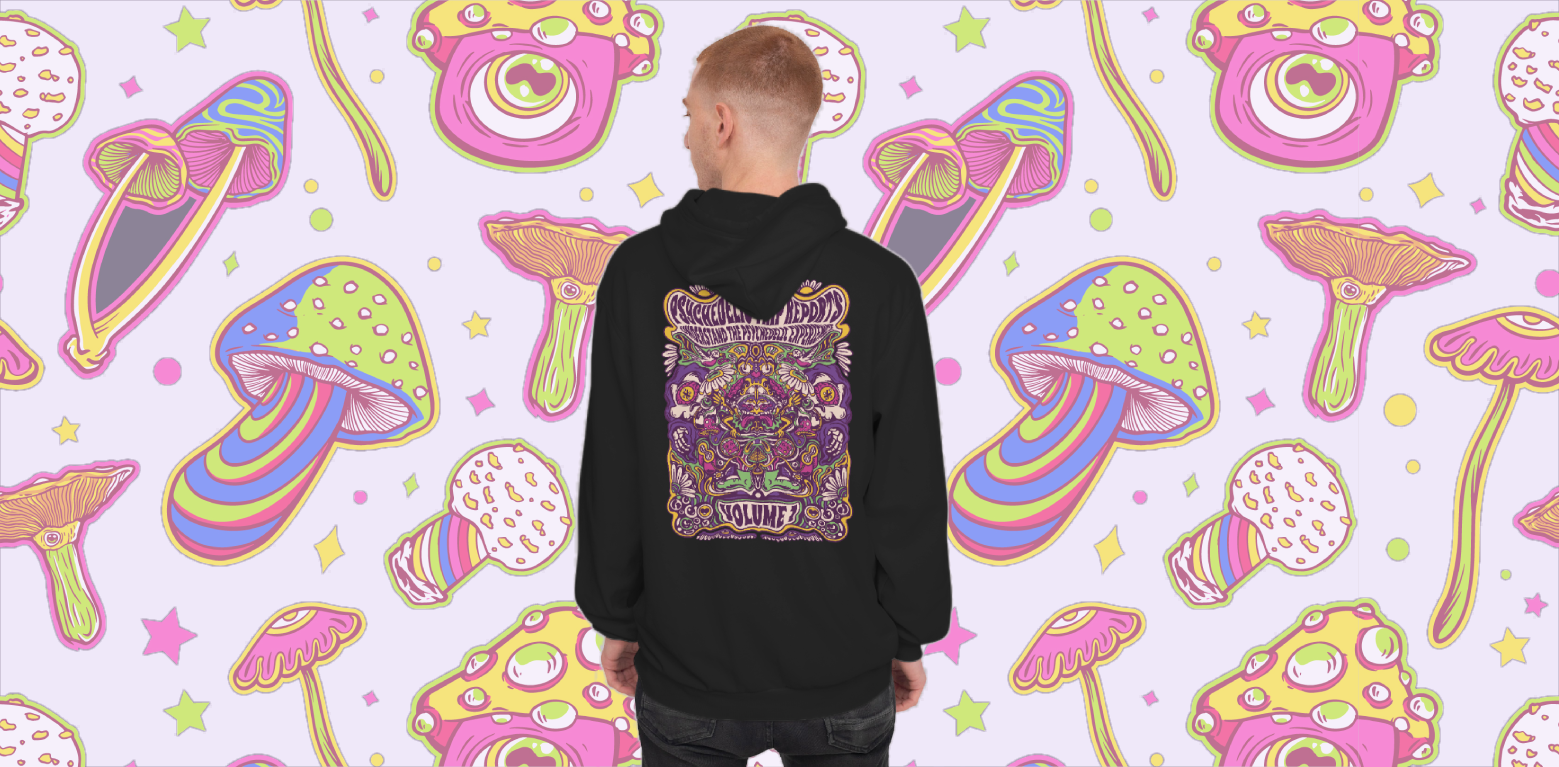
As a merch seller, you probably know how much time, effort, and money can go into creating each design for your store. But what if there was a way to make your creative process more efficient, giving you more bang for your buck? Creating designs in bulk might be the key. In this article, we’ll break down tips and strategies to help you create multiple designs quickly without sacrificing quality or creativity.
Bulk Editing: The Upsides and Downsides
Bulk editing can be a huge time-saver when done right. By working on multiple designs at once, you can maximize the use of your creative ideas, turning a single concept into several unique products, or one visual design idea into a multitude of concepts. It’s a great way to speed up your workflow and avoid the repetitive task of starting each design from scratch.
For example, if you have a quote or an illustration that resonates with your audience, why limit it to just one product? Bulk editing allows you to create variations of that concept, giving your customers more choices.

However, there’s a potential downside to this method. If you’re not careful, your designs might end up looking too similar, which could lead to a lack of variety in your store. Customers might be turned off if they feel like they’re seeing the same product in different colors or fonts. The key here is finding a balance between efficiency and creativity, making sure each design stands out while still using bulk editing to your advantage.
Tips for Creating Designs in Bulk
To avoid falling into the trap of overly similar designs, here are a few strategies you can use to create designs in bulk while maintaining uniqueness.
1. Change up everything except one element
One of the most effective ways to create in bulk is by keeping one design element consistent while changing everything else. This allows you to maintain a cohesive style while still offering variety. Some elements you can choose to keep the same include:

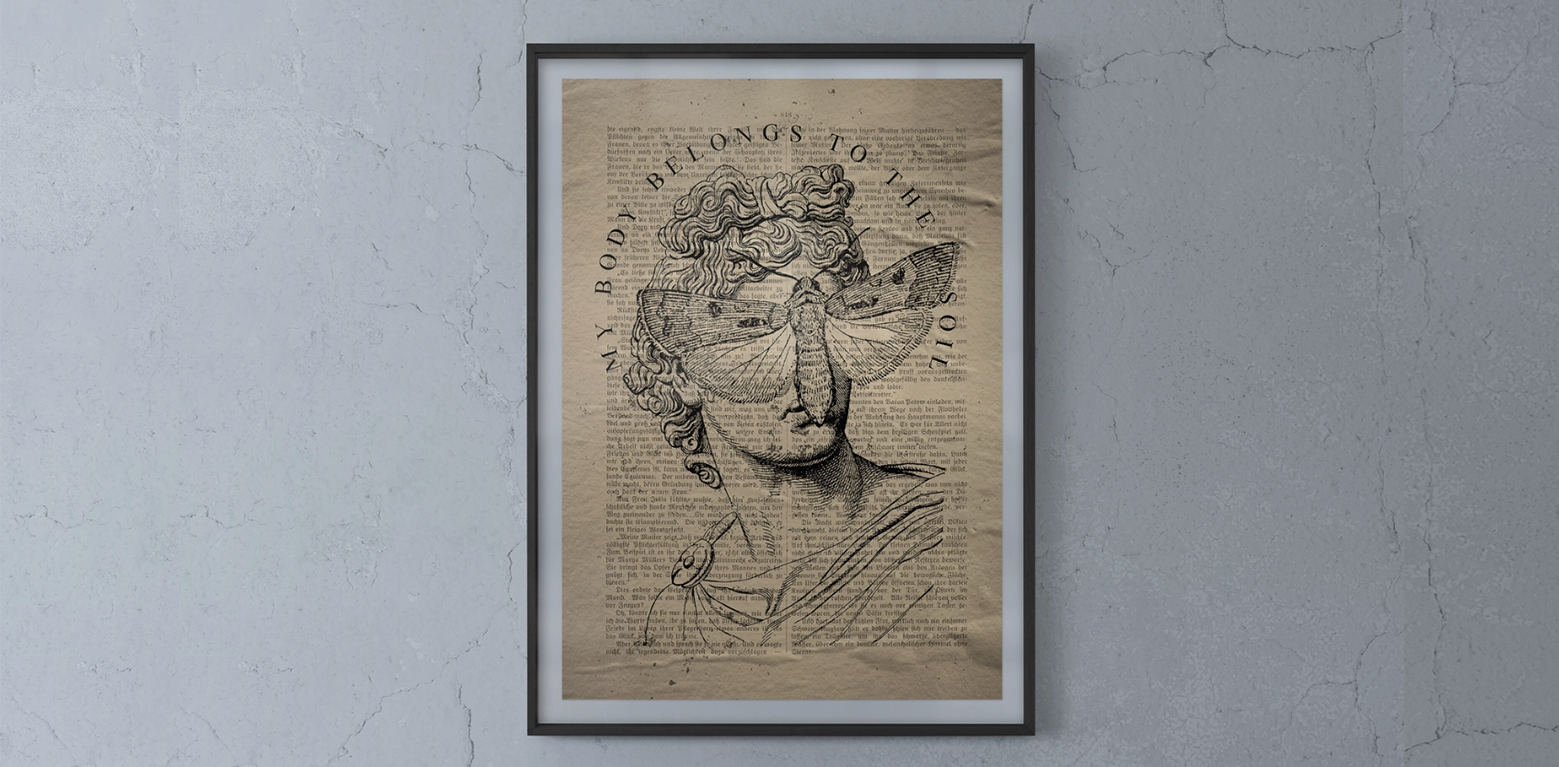
- Illustration or photo: If you have a strong illustration or photo that works across multiple themes, use it as a base. Then, change the color palette, typography, and composition to create fresh designs.
- Compositions: Rearrange the placement of elements like text, logos, or images. This gives the same core design a completely different feel.
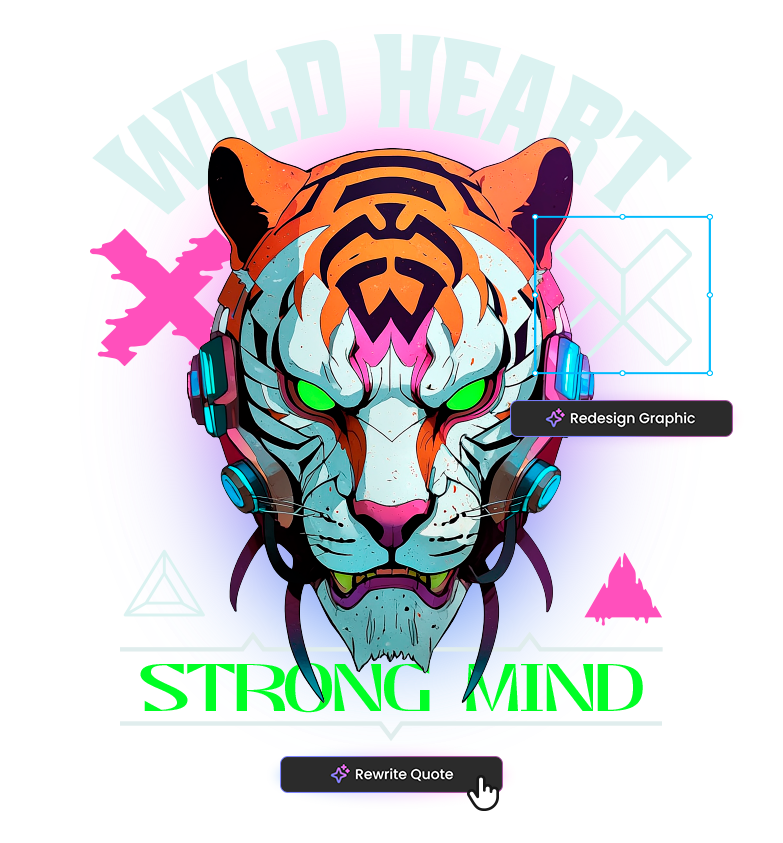
- Quotes: Using a series of quotes with a similar vibe can make it easy to create multiple designs. Try using the same font or style but switch up the phrases to keep things interesting. With the new Merch Designer, you can select a quote from your content and click “Rewrite Quote” to instruct the AI on how you’d like it changed. Once the AI generates a new version, you can choose the result that best fits your design, and it will automatically replace the original quote in your design.
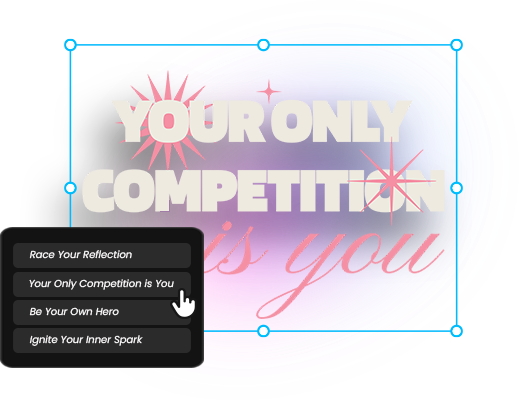
For example, if you have a catchy quote and a great illustration, you can experiment with different fonts, color schemes, and layouts. One design might feature bold, vibrant colors and a modern font, while another could use muted tones and a handwritten typeface. These tweaks can help you produce unique designs without much extra effort.
2. Use design templates
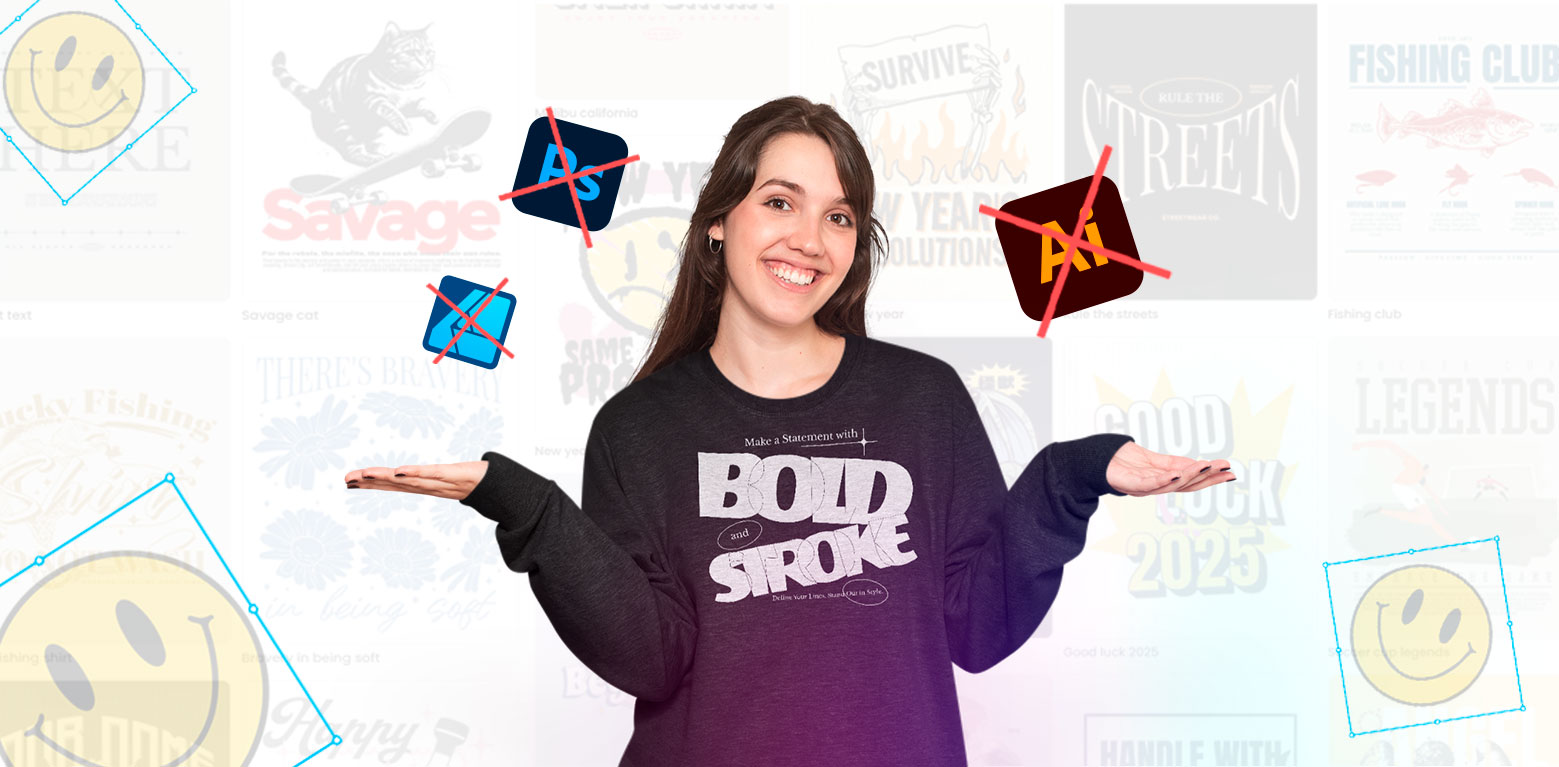
Design templates are a lifesaver when you’re aiming to create in bulk. Templates provide a foundation that can be easily modified to suit your needs. Whether you’re working with a freelancer or using design stock subscriptions, having a go-to set of templates can save you hours of work.
Using tools like Vexels t shirt maker or editable templates from our design library, you can quickly change text, colors, and small graphic elements to create multiple variations of the same design.
Additionally, with the Designer, you can modify all elements of a template and even ask the AI to redesign a specific graphic to your liking. For example, you can replace a mushroom design with a broccoli design while maintaining the same style, or make other significant changes to suit your vision.
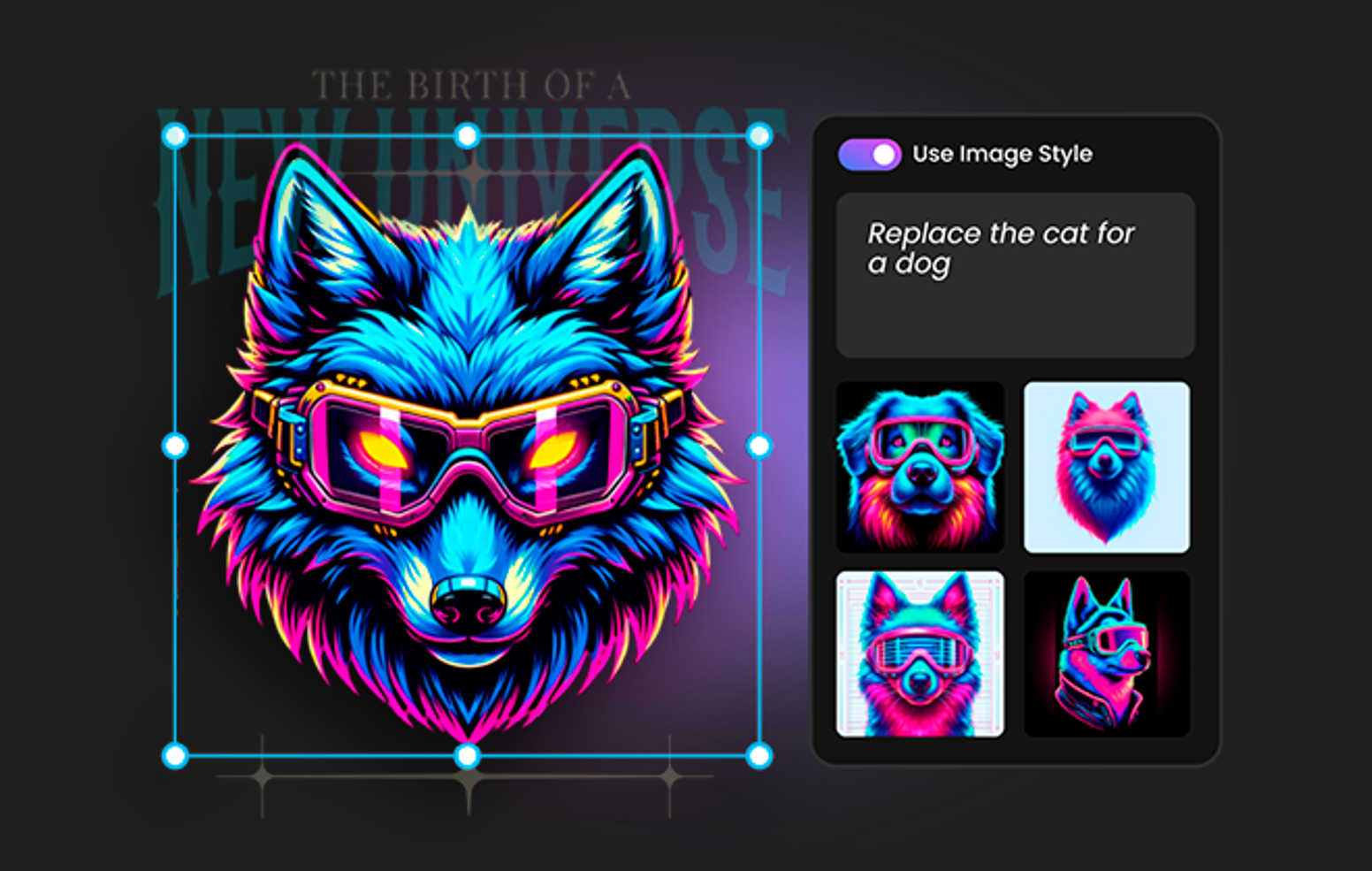
This means you don’t have to reinvent the wheel every time—you can simply tweak the existing template to suit a new theme, season, or product type.
3. Automate your versioning process
Automation tools can be a game-changer for bulk editing, especially when it comes to creating design variations. Make your next merch drop faster with a t shirt design generator you can trust.
Here are a few automation tips to streamline your process:
- Color variations: With Vexels Designer, you can easily create color variations of any template. The tool provides you with color palette options, allowing you to experiment and adjust the color scheme of your designs to fit different styles, themes, or seasonal trends.
- Text and style variations: Tools like the Designer let’s you apply different fonts, styles, or text effects to your design. This is perfect if you’re creating multiple versions of a quote or want to try out different typographic layouts. Automation reduces the time spent tweaking each individual design and frees you up to focus on the bigger picture.
4. Use generative AI for quick variations
Artificial intelligence has come a long way in assisting creatives, and generative AI can be a fantastic tool for merch sellers who want to create designs in bulk. If you’ve got a solid concept but need to churn out variations quickly, AI-driven tools like MidJourney, DALL-E, or Vexels’ AI features can help you create fresh, unique designs from simple prompts.
These tools allow you to input a basic idea and generate multiple design variations that you can then fine-tune or adjust to fit your brand’s style. The Designer’s AI features, for instance, are specifically geared towards merch creation, helping you maintain quality while speeding up the process.
Streamlining your merch workflow
Designing in bulk is only part of the equation. To truly make your merch process more effective, you’ll need to streamline other parts of your workflow as well. Here are some tips to help you automate routine tasks and improve your overall efficiency.
1. Automate mockups and product listings
After you’ve created your designs, the next step is uploading them to your store. This can be a time-consuming process if done manually. Luckily, platforms like Printful and Printify offer bulk upload features, allowing you to upload one design and apply it to multiple products at once. You can also use automation tools like a mockup generator to create mockups for your products in different colors or product types, cutting down on the manual work of creating individual listings.

2. Simplify your upload process
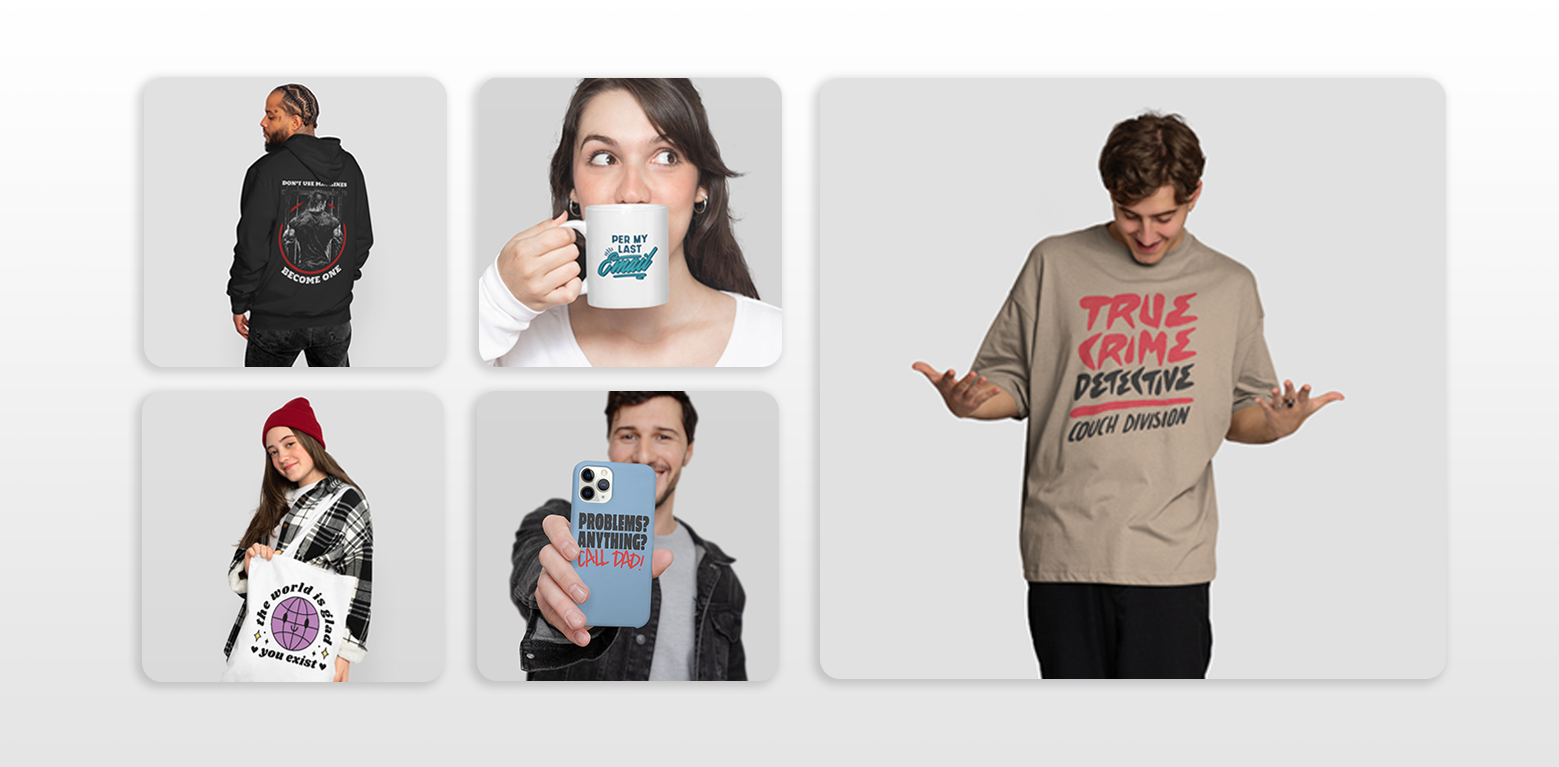
Look for platforms that allow bulk uploading across multiple products. By creating designs that are easily adaptable, such as simple logos or slogans, you can quickly apply them to different product types (t-shirts, hoodies, mugs, etc.) without having to go through the tedious process of uploading each one individually.
Conclusion
Creating designs in bulk doesn’t have to mean sacrificing quality or creativity. By using templates, automation tools, and AI-driven design programs, you can streamline your process and create multiple unique designs in less time. The key is to strike a balance between efficiency and maintaining a fresh, creative edge that keeps your customers coming back for more.
By incorporating these tips into your workflow, you’ll not only save time but also expand your product offerings, giving your store a greater variety of designs without the extra hassle.